


Digital transformation continues to reshape how businesses operate, compete, and grow. To stay ahead in an increasingly competitive landscape, companies need more than skilled teams—they need powerful, efficient tools that streamline processes, enhance productivity, and drive measurable results.
Modern marketing requires juggling multiple responsibilities: managing customer relationships, creating compelling content, analyzing data, automating workflows, running campaigns, and engaging audiences across multiple channels. The right marketing tools can transform these challenges into opportunities, helping you work smarter, faster, and more effectively.
Whether you're a startup founder, a marketing manager at a growing SME, or part of an enterprise team, choosing the right tools is critical. The wrong choice can lead to wasted budget, inefficient workflows, and missed opportunities. The right tools, however, can accelerate growth, improve customer engagement, and maximize ROI.
1. Folk – Smart CRM for Modern Teams
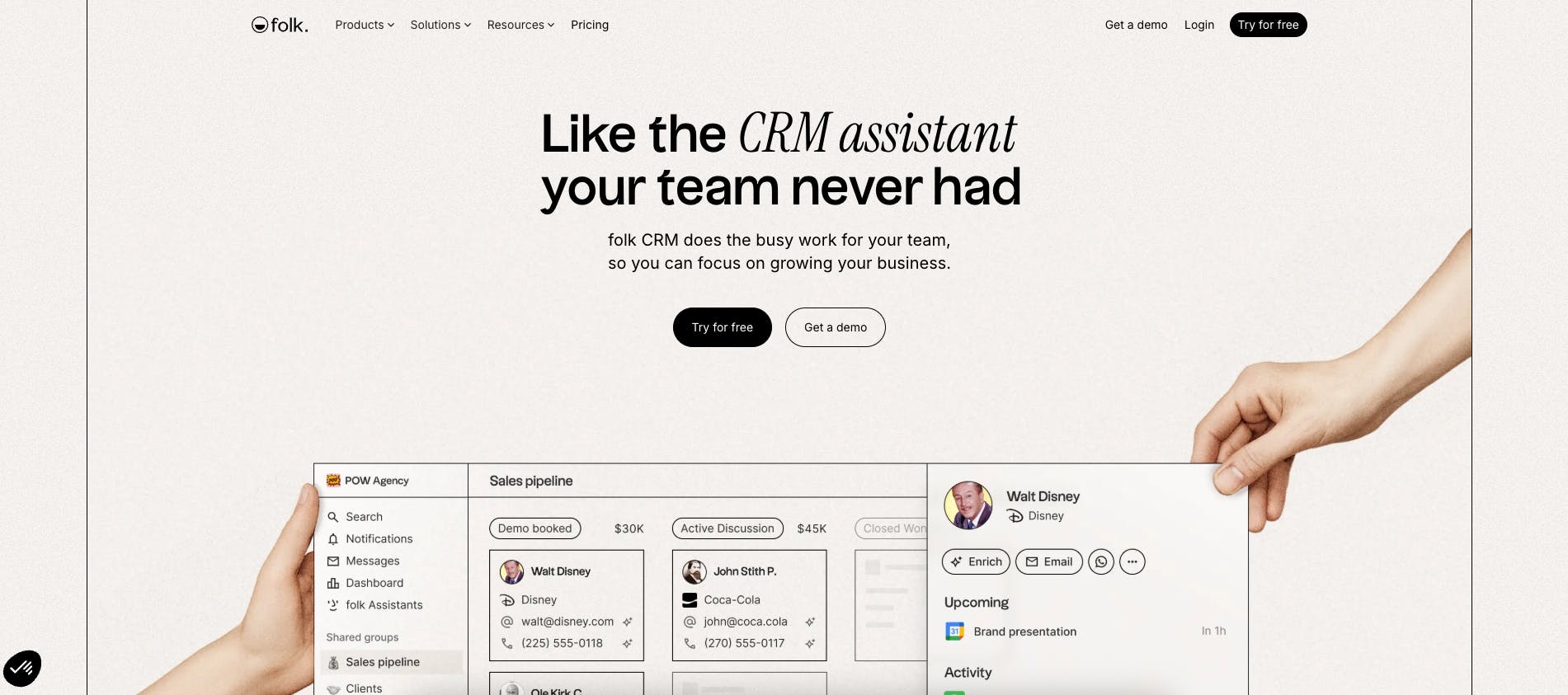
Folk is a relationship management platform designed for teams who value simplicity and collaboration. Unlike traditional CRMs that feel corporate and rigid, Folk offers a lightweight, intuitive interface that adapts to how modern teams actually work.
Key Features
- Unified contact database: Sync contacts from multiple sources (email, LinkedIn, calendar) into one organised workspace
- Collaborative workspace: Share contact lists, notes, and interaction history across teams in real-time
- Enrichment automation: Automatically pull company data, social profiles, and contact information
- Pipeline management: Visual deal tracking with customisable stages and filters
- Chrome extension: Add contacts and companies directly from LinkedIn or any webpage
Strengths & Weaknesses
Strengths:
- Exceptionally clean and user-friendly interface
- Strong collaboration features for team-based selling
- Fast setup with minimal training required
- Excellent contact enrichment capabilities
Weaknesses:
- No native phone or email sequencing features
- May lack depth for complex sales processes
Who Is It For?
Folk is ideal for startups, small to mid-sized sales teams, consultants, and agencies who prioritise relationship building over heavy automation. Perfect for businesses that need a CRM that feels more like a productivity tool than enterprise software.
Pricing
- Free trial: 14-day trial with all premium features
- Standard: $17.50/user/month (billed annually) or $25/month (monthly billing)
- Premium: $35/user/month (billed annually) or $50/month (monthly billing)
- Custom: From $70/user/month for advanced needs and custom limits
2. MagicPost – AI-Powered LinkedIn Content Creation
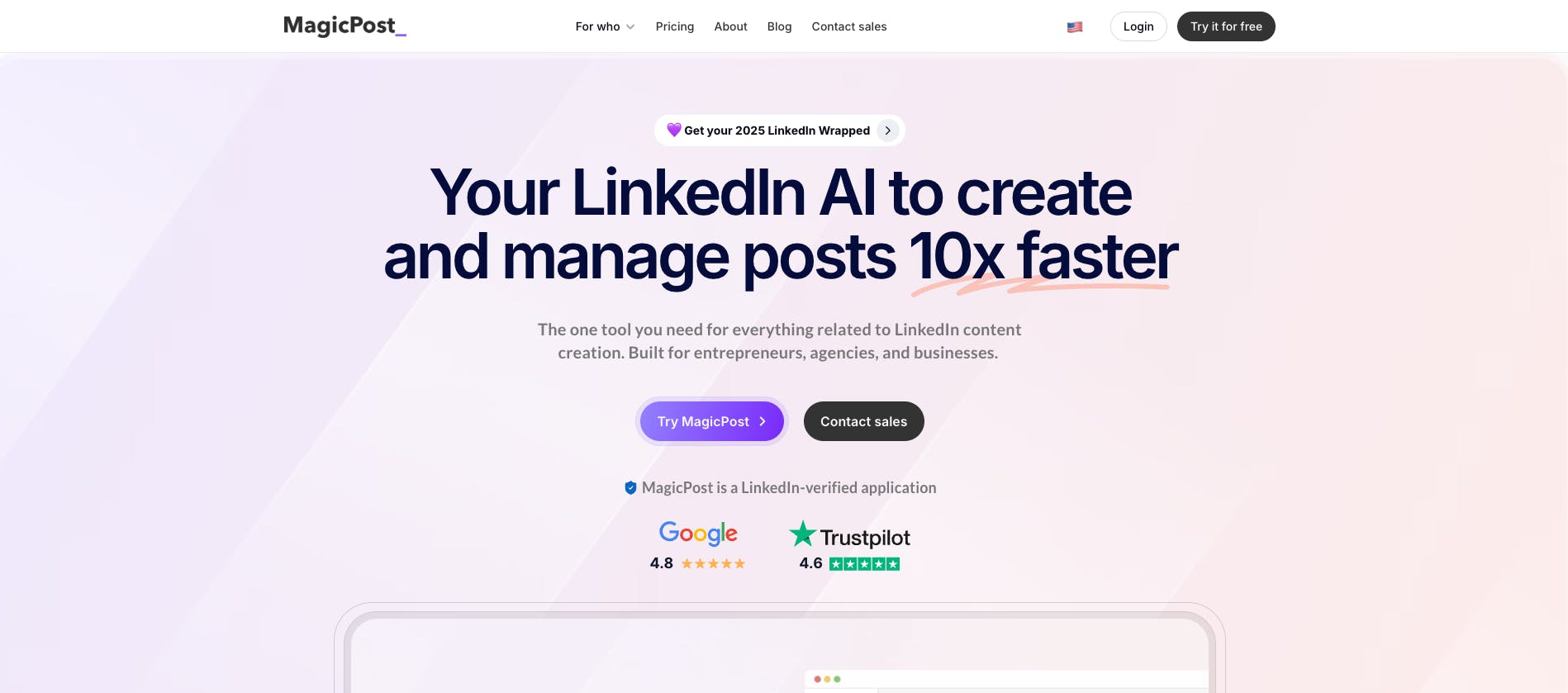
MagicPost transforms how professionals and businesses create LinkedIn content. Using advanced AI, it helps you generate engaging posts, articles, and comments that drive visibility and engagement on the world's leading professional network.
Key Features
- AI post generation: Create LinkedIn posts from brief prompts or topics in seconds
- Tone customisation: Adjust voice from professional to conversational, thought leadership to storytelling
- Content calendar: Plan and schedule posts in advance with optimal timing suggestions
- Engagement analytics: Track performance metrics and refine your content strategy
- Viral templates: Access proven post structures that drive maximum engagement
Strengths & Weaknesses
Strengths:
- Dramatically reduces content creation time
- Helps maintain consistent posting schedule
- Great for overcoming writer's block
- Learns your personal writing style over time
Weaknesses:
- AI-generated content requires human review and personalisation
- Limited to LinkedIn platform only
Who Is It For?
Ideal for founders, consultants, sales professionals, and marketing teams who use LinkedIn as a primary channel for thought leadership, lead generation, and brand building. Particularly valuable for busy executives who struggle to maintain consistent content output.
Pricing
- Starter: $39/month ($27/month billed annually) — 30 AI-generated posts
- Creator: $59/month ($39/month billed annually) — Unlimited posts + analytics
- Enterprise: $109/month ($76/month billed annually) — Multi-account management, from 2 seats
3. HubSpot – All-in-One Marketing Platform

HubSpot remains one of the most comprehensive marketing platforms available, combining CRM, marketing automation, content management, and analytics in a unified ecosystem. Its strength lies in bringing together multiple marketing functions under one roof.
Key Features
- Marketing automation: Email workflows, lead nurturing, and lifecycle management
- Content management system: Built-in CMS for websites, landing pages, and blogs
- Email marketing: Drag-and-drop builder with A/B testing and personalisation
- Lead scoring: Automatically prioritise prospects based on behaviour and engagement
- Reporting dashboard: Unified analytics across all marketing channels
Strengths & Weaknesses
Strengths:
- Seamless integration between marketing, sales, and customer service
- Extensive free tier to get started
- Rich ecosystem of integrations and apps
- Excellent educational resources and support
Weaknesses:
- Can become expensive as you scale and add features
- Steep learning curve for advanced features
- Some users report the interface feels cluttered
Who Is It For?
Best suited for growing SMEs and mid-market companies looking for an integrated solution. Particularly valuable for businesses that want to align marketing and sales under one platform.
Pricing
- Free plan: Basic CRM and limited marketing tools
- Starter Customer Platform: From $20/month (core features across sales, marketing, and service)
- Marketing Hub Professional: From $800/month (automation + advanced features)
- Enterprise: Custom pricing (full capabilities + support)
4. Semrush – SEO & Competitive Intelligence
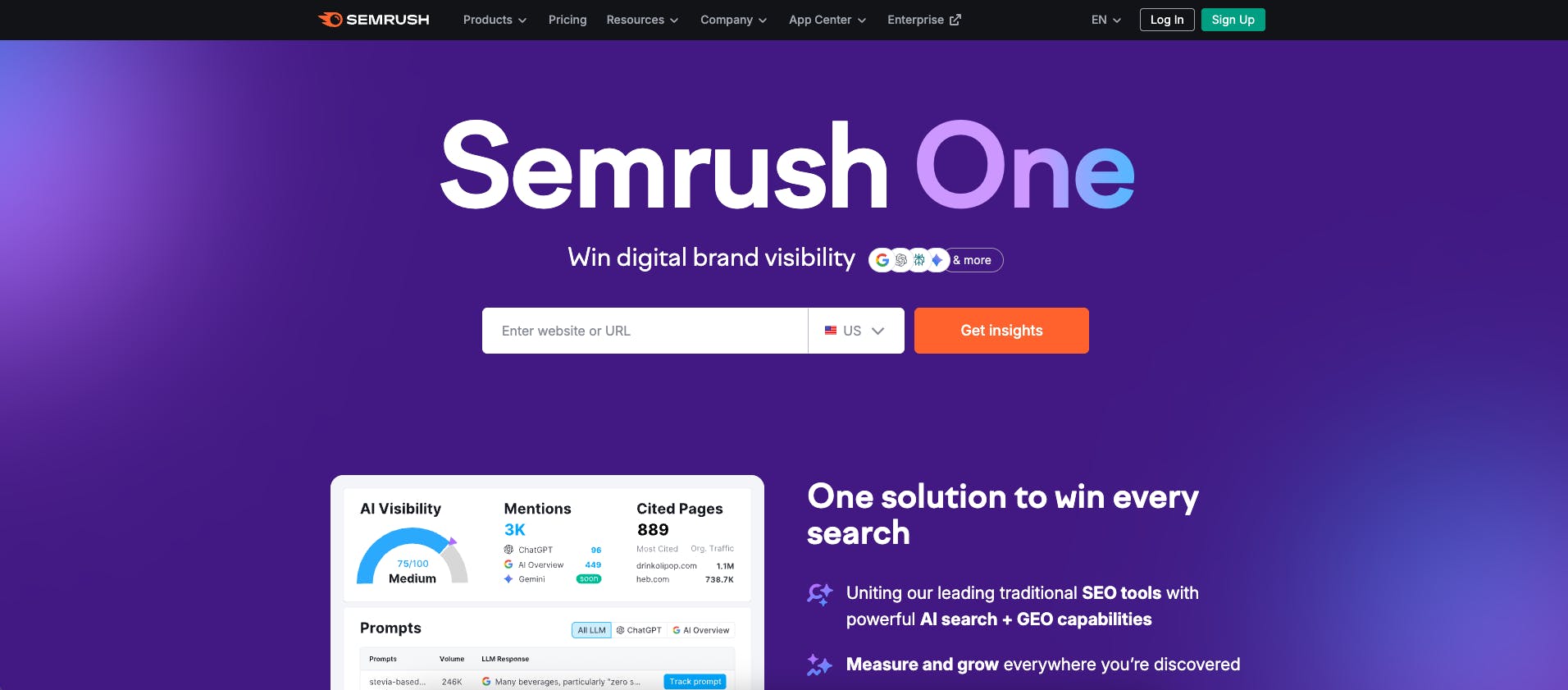
Semrush is a market-leading SEO and digital marketing toolkit that helps businesses improve online visibility, conduct competitive research, and optimise content for search engines. It's essential for any company serious about organic growth.
Key Features
- Keyword research: Discover high-value keywords with volume, difficulty, and intent data
- Site audit: Technical SEO analysis with actionable recommendations
- Competitor analysis: Reverse-engineer competitors' strategies across SEO, PPC, and content
- Content marketing toolkit: Topic research, SEO writing assistant, and performance tracking
- Backlink analysis: Monitor link profiles and identify link-building opportunities
Strengths & Weaknesses
Strengths:
- Industry-leading database with global coverage
- Comprehensive toolset covering all aspects of SEO
- Powerful competitive intelligence capabilities
- Regular updates and new features
Weaknesses:
- Premium pricing may be prohibitive for small businesses
- Can be overwhelming for beginners
- Some features overlap, creating learning curve
Who Is It For?
Ideal for marketing teams, SEO specialists, agencies, and content creators focused on organic growth. Essential for businesses competing in crowded search landscapes.
Pricing
- Pro: $139.95/month (suitable for freelancers and startups)
- Guru: $249.95/month (for growing agencies and SMEs)
- Business: $499.95/month (for agencies and enterprises)
5. Notion – Collaborative Workspace for Marketing Teams
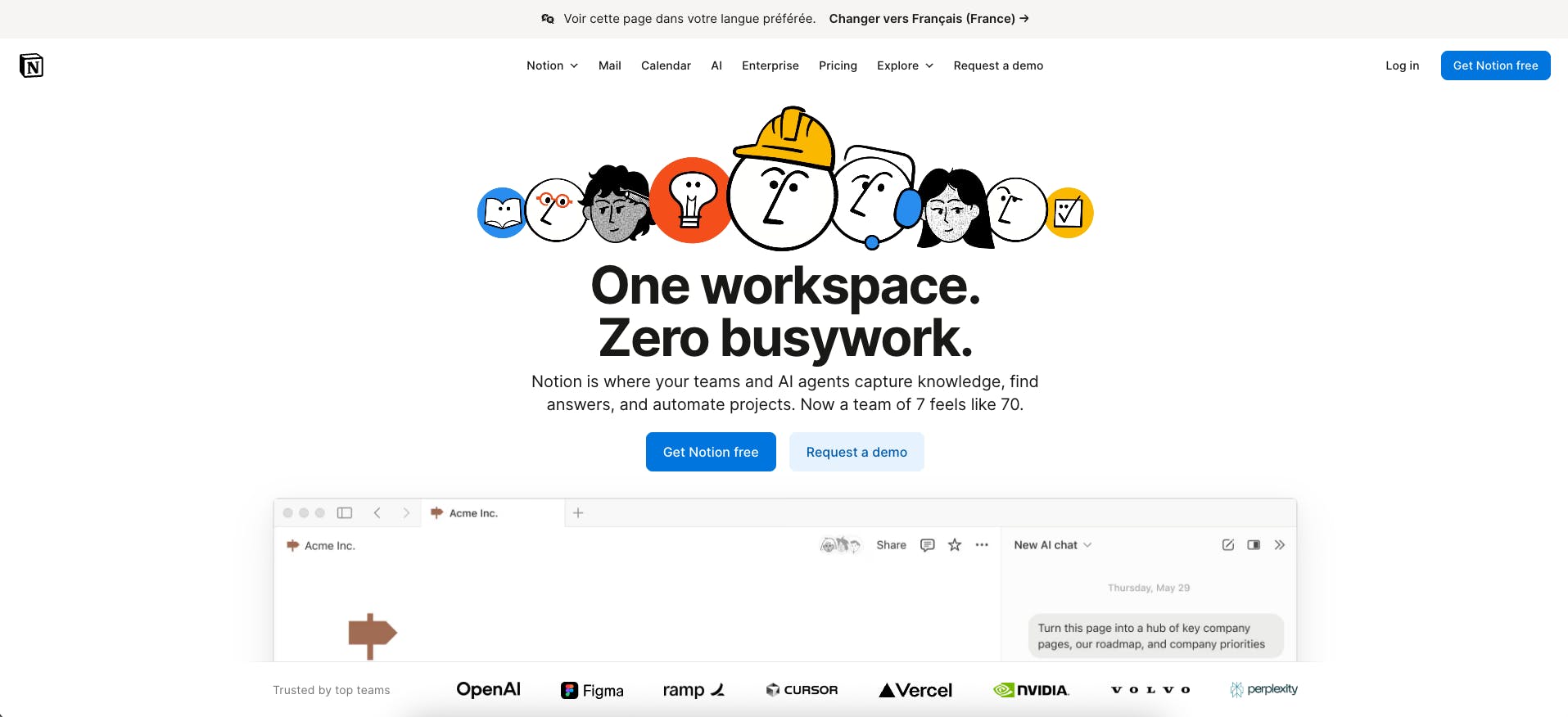
Notion has evolved from a note-taking app into a powerful all-in-one workspace for marketing planning, content management, and team collaboration. Its flexibility makes it invaluable for organising complex marketing operations.
Key Features
- Content calendar: Plan, schedule, and track content across all channels
- Campaign planning: Centralise briefs, timelines, and deliverables in one space
- Knowledge base: Build a searchable repository of brand guidelines, processes, and templates
- Database functionality: Create custom views to track leads, campaigns, or content performance
- Team collaboration: Real-time editing, comments, and task assignments
Strengths & Weaknesses
Strengths:
- Highly customisable to any workflow
- Excellent for cross-functional collaboration
- Affordable pricing even for large teams
- Rich template marketplace
Weaknesses:
- Requires time investment to set up properly
- Can become complex with extensive customisation
- Not a replacement for specialised marketing tools
Who Is It For?
Perfect for marketing teams of any size looking to centralise planning, documentation, and collaboration. Particularly valuable for remote or distributed teams.
Pricing
- Free plan: Individual use with basic features
- Plus: $10/user/month (billed annually, or $12/month billed monthly) — Small teams
- Business: $15/user/month (billed annually, or $18/month billed monthly) — Unlimited features
- Enterprise: Custom pricing with advanced admin controls
6. Canva – Design Tool for Non-Designers
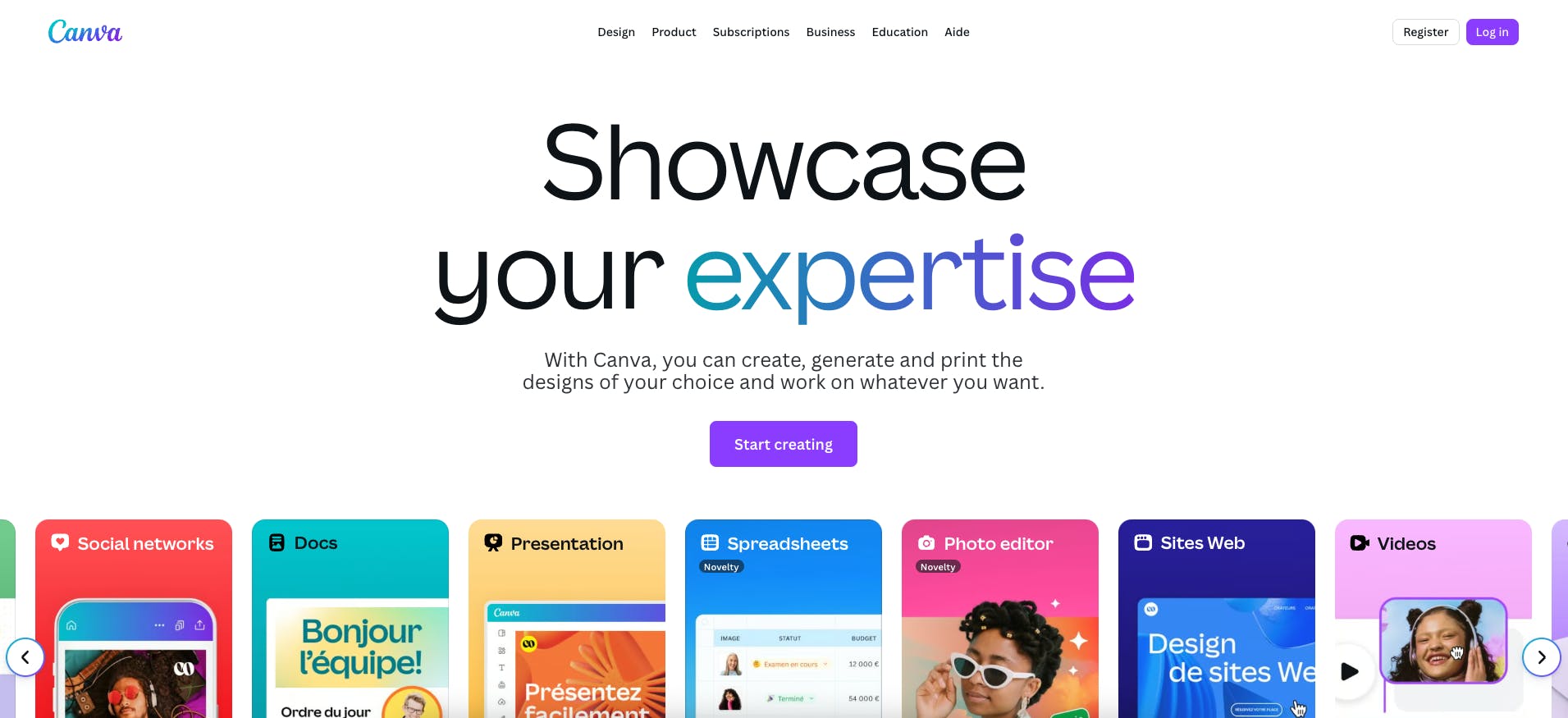
Canva democratises professional design, enabling marketers without formal design training to create high-quality visual content for social media, presentations, ads, and print materials.
Key Features
- Template library: 3.6+ million professional templates for every marketing need
- Brand kit: Store logos, colours, fonts for consistent brand identity
- AI design assistant: Generate designs from text prompts or expand images
- Video editing: Create and edit short-form video content
- Team collaboration: Share designs, provide feedback, and maintain version control
Strengths & Weaknesses
Strengths:
- Incredibly user-friendly interface
- Vast library of templates and stock assets
- Affordable even for professional use
- Regular feature updates
Weaknesses:
- Less control than professional tools like Adobe Creative Suite
- Some templates feel overused
- Export options limited on free plan
Who Is It For?
Ideal for marketers, small business owners, social media managers, and anyone who needs to produce visual content quickly without design expertise.
Pricing
- Free plan: Basic templates and features (1.6M+ templates, 4.7M+ stock assets)
- Pro: $15/month ($7.50 with current 50% off promotion) — Premium templates, brand kit, background remover
- Business: $20/month per user (introductory pricing) — Team collaboration, 141M+ premium assets, higher AI access
7. Mailchimp – Email Marketing & Automation
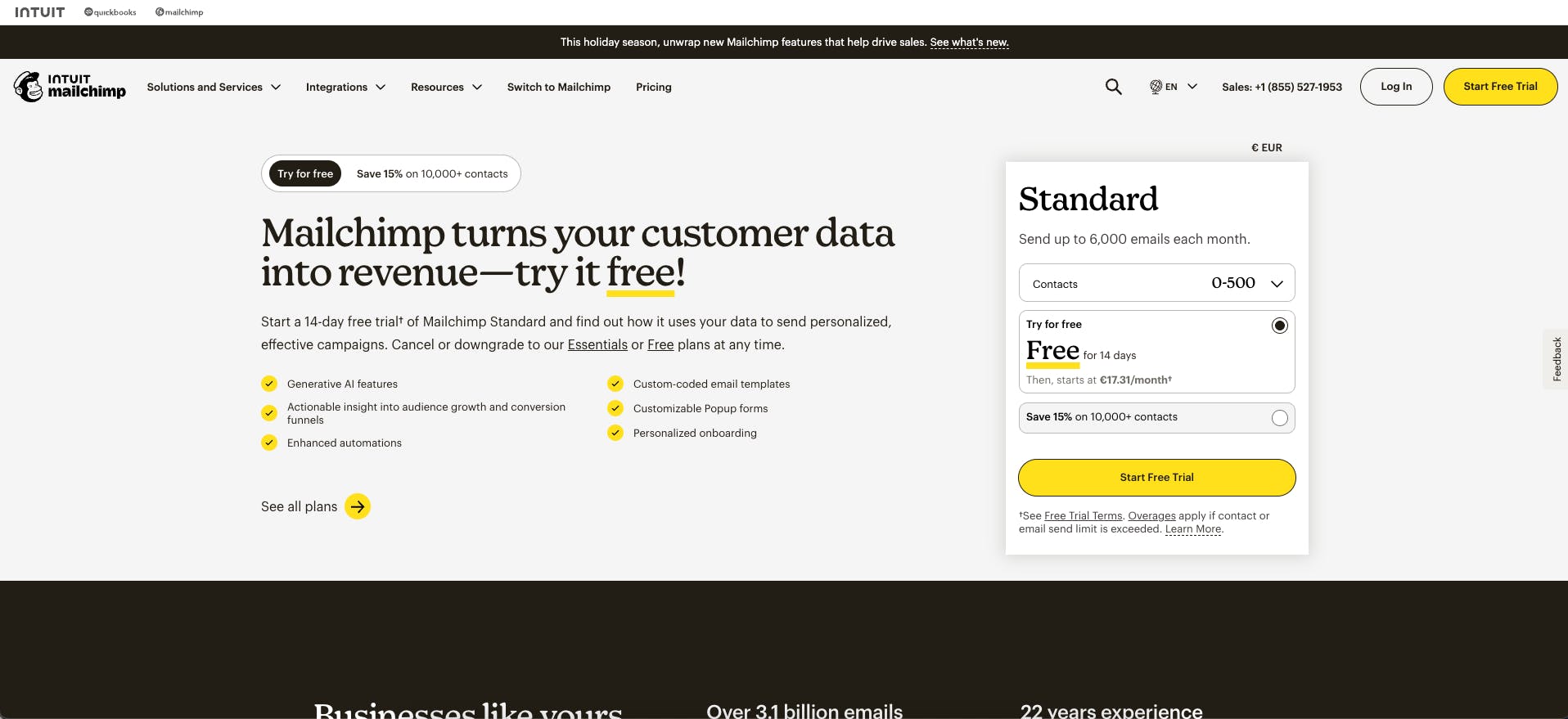
Mailchimp remains one of the most popular email marketing platforms, offering user-friendly campaign creation, automation, and analytics. Its evolution into a broader marketing platform makes it valuable beyond just email.
Key Features
- Email builder: Drag-and-drop editor with mobile optimisation
- Marketing automation: Trigger campaigns based on behaviour, dates, or events
- Audience segmentation: Target messages based on demographics, behaviour, or engagement
- Landing pages: Create dedicated pages without needing a website
- A/B testing: Test subject lines, content, and send times
Strengths & Weaknesses
Strengths:
- Generous free tier for getting started
- Intuitive interface suitable for beginners
- Solid deliverability rates
- Growing ecosystem of integrations
Weaknesses:
- Pricing increases significantly with subscriber growth
- Some advanced features require higher-tier plans
- Customer support quality varies
Who Is It For?
Best for small to mid-sized businesses, e-commerce brands, and content creators building email audiences. Particularly suitable for businesses new to email marketing.
Pricing
- Free plan: Up to 500 contacts, 1,000 sends/month
- Essentials: From $13/month (email support + basic automation)
- Standard: From $20/month (advanced automation + dynamic content)
- Premium: From $350/month (advanced segmentation + dedicated support)
8. Google Analytics 4 – Data & Insights Platform
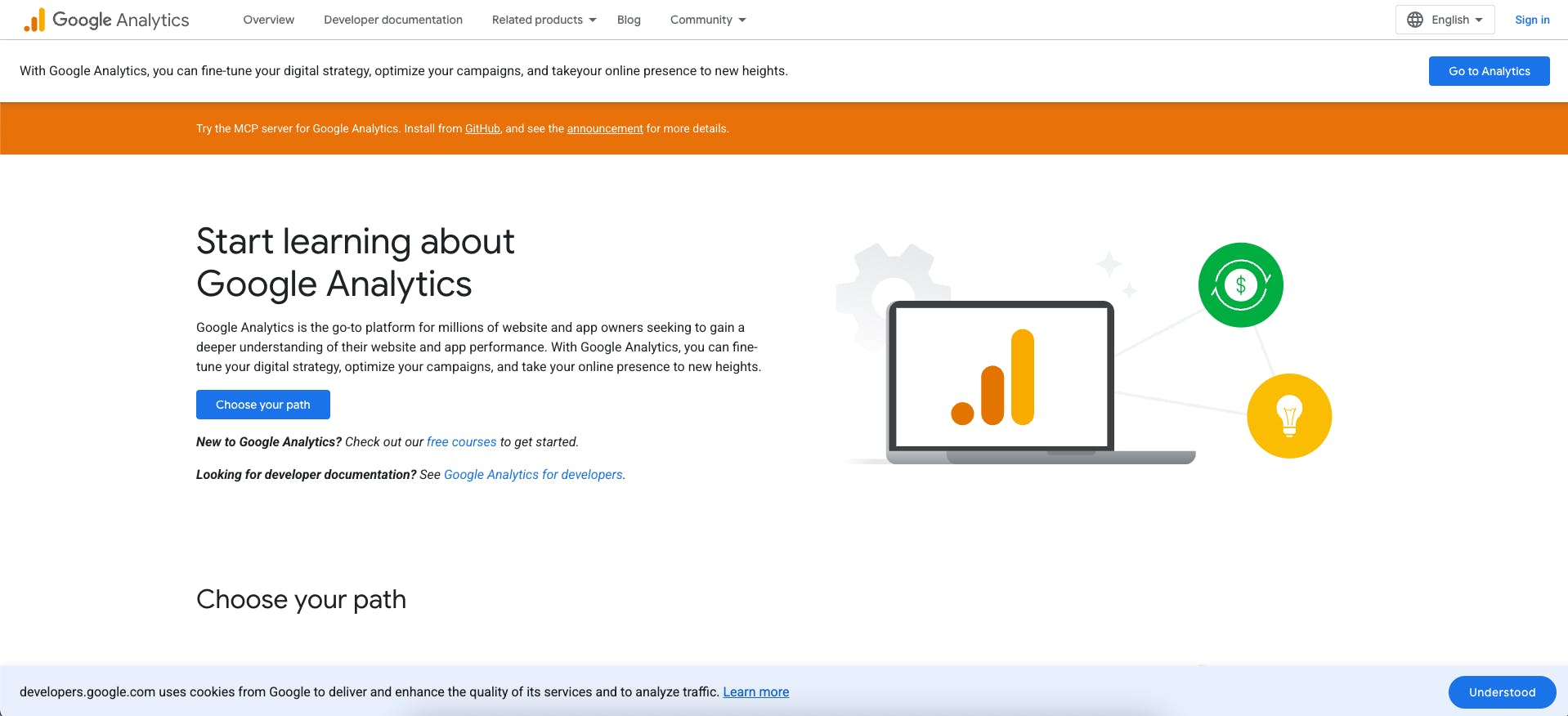
Google Analytics is the latest evolution of the world's most widely used web analytics platform. It provides essential insights into user behaviour, traffic sources, and conversion paths across websites and apps.
Key Features
- Event-based tracking: Flexible model capturing user interactions beyond page views
- Cross-platform measurement: Unified view of web and app behaviour
- Predictive metrics: AI-powered insights on purchase probability and churn risk
- Audience building: Create segments for remarketing and analysis
- Integration with Google ecosystem: Seamless connection to Ads, Search Console, and BigQuery
Strengths & Weaknesses
Strengths:
- Free for most businesses
- Powerful integration with Google advertising platforms
- Privacy-focused design aligned with regulations
- Predictive analytics capabilities
Weaknesses:
- Steep learning curve compared to Universal Analytics
- Historical data not carried over from previous version
- Interface can feel overwhelming for beginners
Who Is It For?
Essential for virtually any business with an online presence. Particularly valuable for companies running paid advertising or focused on conversion optimisation.
Pricing
- Free: Suitable for most small to mid-sized businesses
- Google Analytics 360: Enterprise pricing starting at $50,000/year (varies by data volume and requirements)
9. Slack – Team Communication Platform
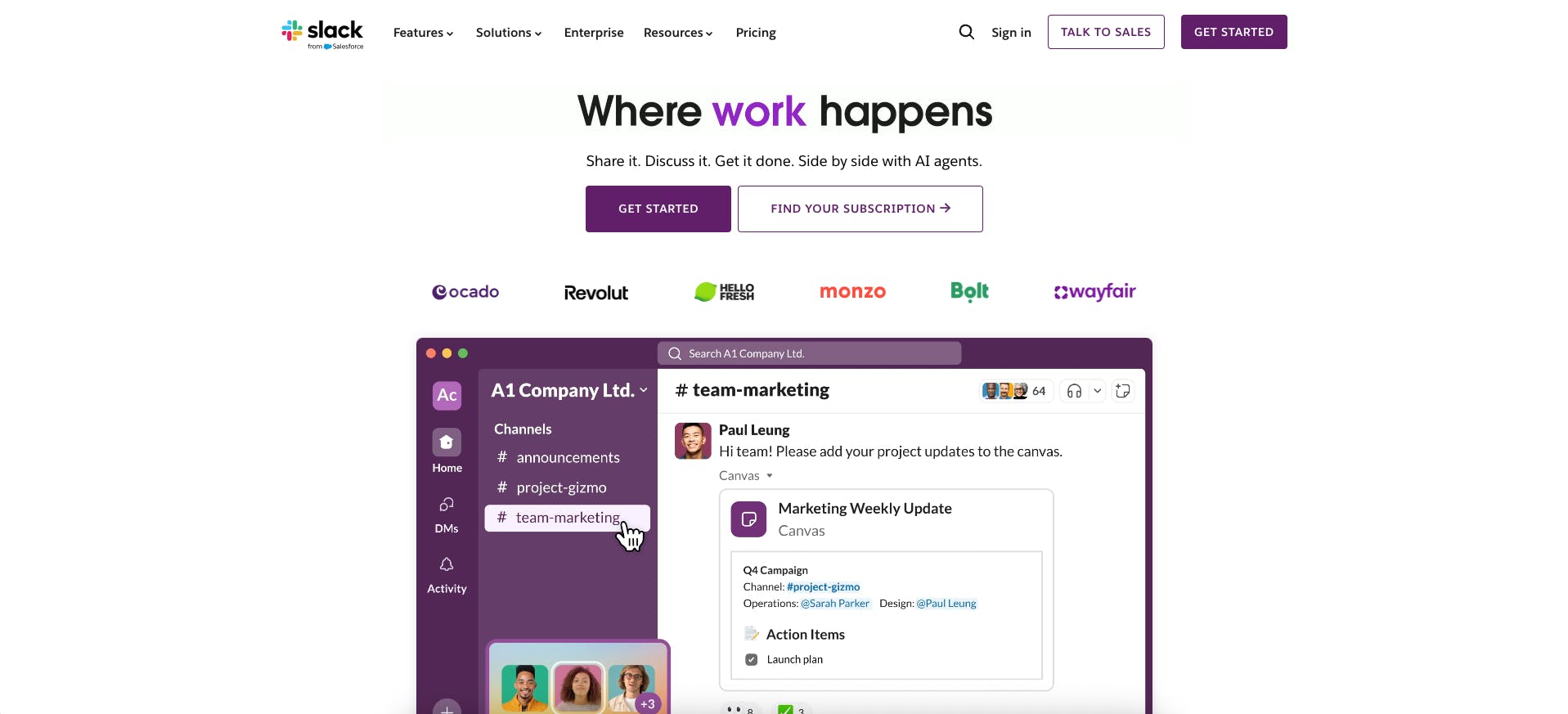
While primarily a communication tool, Slack has become central to marketing team coordination, campaign execution, and real-time collaboration. Its integration ecosystem makes it a marketing operations hub.
Key Features
- Channel organisation: Structure conversations by project, campaign, or topic
- App integrations: Connect with 2,500+ tools including analytics, CRM, and project management
- Workflow automation: Build custom automations without coding
- File sharing: Centralise documents, designs, and assets
- Search functionality: Find any conversation, file, or link instantly
Strengths & Weaknesses
Strengths:
- Dramatically improves team responsiveness
- Reduces email volume and meetings
- Extensive integration marketplace
- Mobile app enables work from anywhere
Weaknesses:
- Can become distracting with constant notifications
- Information overload in active workspaces
- Important decisions may get lost in conversation flow
Who Is It For?
Valuable for any team larger than 3-4 people, particularly remote or distributed marketing teams. Essential for fast-paced environments requiring quick coordination.
Pricing
- Free plan: Limited message history and integrations
- Pro: $8.75/user/month (billed monthly) or $7.25/user/month (billed annually) — Currently 50% off for 3 months
- Business+: $18/user/month (billed monthly) or $15/user/month (billed annually) — Compliance + advanced admin
- Enterprise: Custom pricing for large organisations
10. Yousign – Electronic Signature Solution
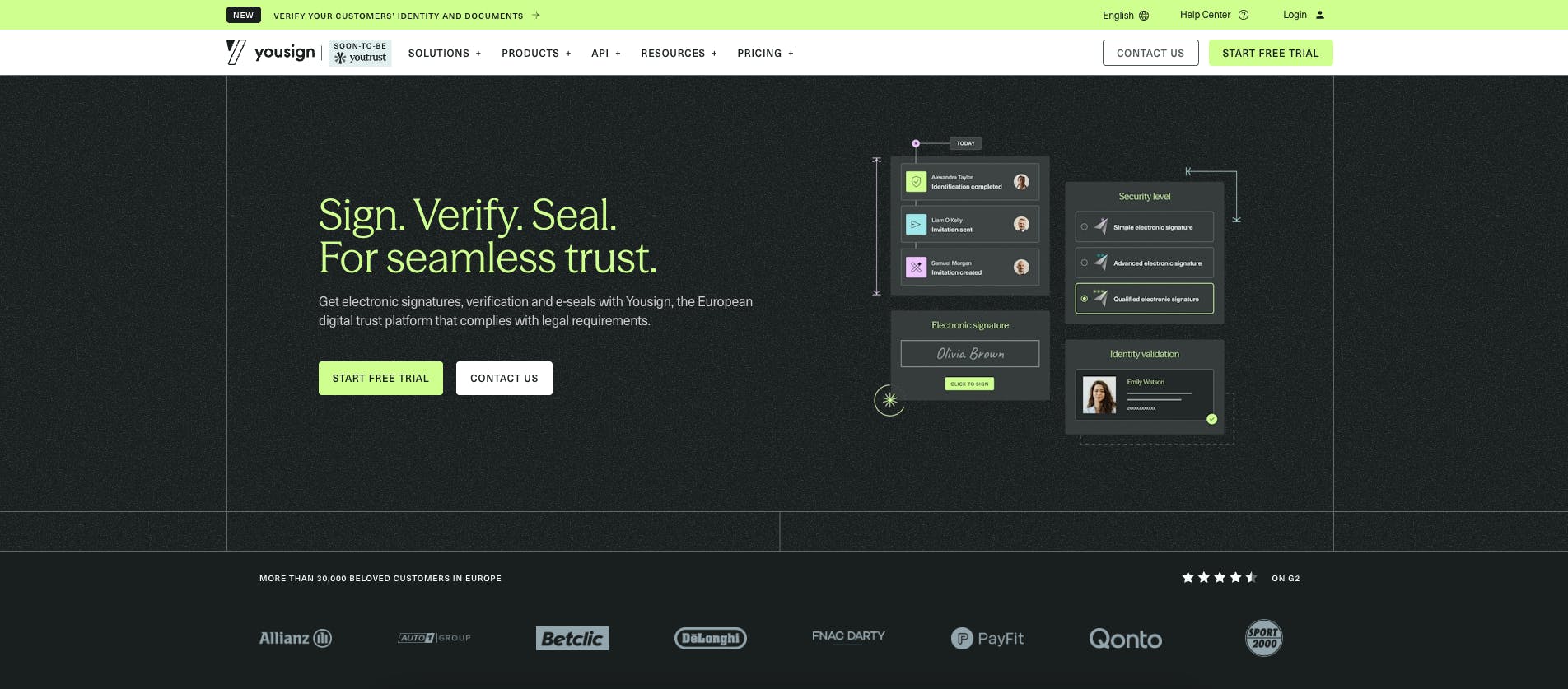
Yousign streamlines contract signing and document workflows, accelerating sales cycles and improving customer experience. For marketing teams, it enables faster campaign launches, partnership agreements, and influencer contracts.
Key Features
- Legally binding e-signatures: eIDAS-compliant electronic signatures accepted across Europe
- Multi-party signing: Collect signatures from multiple stakeholders sequentially or in parallel
- Template library: Create reusable templates for recurring contracts
- Audit trail: Complete documentation of signing process for compliance
- API integration: Embed signing into your workflows and tools
Strengths & Weaknesses
Strengths:
- Dramatically reduces contract turnaround time
- Excellent user experience for signers
- Strong compliance and security standards
- Competitive pricing for European businesses
Weaknesses:
- Primarily focused on European market
Who Is It For?
Ideal for sales teams, marketing agencies managing client contracts, and businesses with high contract volumes. Particularly valuable for companies operating in regulated industries requiring audit trails.
Pricing
- Free plan: Up to 2 signature requests/month
- One: €9/month (€108 billed annually) — 10 signature requests/month, 1 user
- Plus: €23/user/month (€276 billed annually) — Unlimited eSignatures
- Pro: €38/user/month (€456 billed annually) — Advanced automation features
- Enterprise: Custom pricing with API access and dedicated support
Try electronic signature for free for 14 days
How to Choose the Right Marketing Tool for Your Business
Selecting the optimal marketing tools requires balancing multiple factors: your current needs, budget constraints, team capabilities, and growth trajectory. Here's a framework to guide your decision-making process.
Define Your Goals
Start by identifying your primary marketing objectives for the coming year. Are you focused on customer acquisition, retention, or engagement? Different goals require different tool categories.
For acquisition-focused businesses, prioritise tools like Semrush (SEO), Folk (CRM), and Mailchimp (email marketing). For brand building, consider MagicPost (content creation) and Canva (visual design). For conversion optimisation, focus on Google Analytics 4 and HubSpot's automation capabilities.
Consider Your Budget
Marketing tools follow different pricing models: per-user subscriptions, usage-based fees, or flat monthly rates. Map your tool stack against your marketing budget, accounting for growth.
Many tools offer free tiers suitable for testing and early-stage use. Take advantage of these to validate fit before committing to paid plans. Remember that the cheapest option isn't always the most cost-effective—consider time savings and productivity gains alongside subscription costs.
Evaluate Integration Capabilities
Your marketing tools should work together seamlessly rather than creating data silos. Before committing to a new tool, verify it integrates with your existing stack.
Check for native integrations, API availability, and Zapier compatibility. Tools with strong integration ecosystems (like HubSpot, Slack, or Notion) often justify premium pricing by reducing manual data transfer and enabling automation.
Test Before Committing
Most quality marketing tools offer free trials or freemium plans. Use these opportunities to evaluate usability, feature depth, and customer support quality with your actual use cases.
Involve your team in evaluation—the best tool on paper may not fit your team's working style. Run pilot projects during trial periods to assess real-world performance beyond demo scenarios.
Frequently Asked Questions
What are the best free marketing tools?
Several powerful tools offer robust free tiers: Google Analytics 4 (full platform), Canva (basic design features with 1.6M+ templates), Mailchimp (up to 500 contacts), HubSpot (CRM + basic marketing), Folk (14-day trial), and Yousign (2 signatures/month). These are sufficient for many early-stage businesses before upgrading to paid plans.
How many marketing tools does my business need?
Most effective marketing stacks include 5-8 core tools covering CRM, content creation, analytics, email marketing, and collaboration. Start with essentials aligned to your primary growth channel, then expand as needs become clear. Avoid tool bloat—more isn't always better.
Can I integrate multiple marketing tools?
Yes, and you should. Integration platforms like Zapier, Make, or native connections enable data flow between tools. Prioritise tools with strong API documentation and active integration ecosystems. Well-integrated tools multiply effectiveness by eliminating manual data entry and enabling automation.
What's the ROI of marketing tools?
According to research from Nucleus Research, marketing automation tools deliver an average 14.5% increase in sales productivity and 12.2% reduction in marketing overhead. Tools like Yousign specifically reduce contract signing time by an average of 7 days, directly impacting sales velocity. However, ROI depends heavily on implementation quality and team adoption.
Should I choose all-in-one platforms or best-of-breed tools?
Both approaches have merit. All-in-one platforms (like HubSpot) offer simplicity and unified data but may lack depth in specific areas. Best-of-breed tools excel at individual functions but require integration work. Consider your team's technical capabilities and whether you value convenience or specialisation.
How often should I review my marketing tool stack?
Conduct a comprehensive review annually, evaluating usage, costs, and alternatives. However, monitor tool utilisation quarterly—unused subscriptions waste budget. As your business scales, tools that worked well at 10 employees may need replacement at 50.
Conclusion
Building the right marketing tool stack in 2026 requires balancing innovation with practicality. The 10 tools presented here represent proven solutions across essential marketing functions—from relationship management and content creation to analytics and automation.
Start by implementing tools aligned with your primary growth channel and current constraints. Folk and MagicPost offer quick wins for relationship-building and content creation. Foundational tools like Google Analytics 4 and HubSpot provide infrastructure for sustainable growth. Collaborative platforms like Notion and Slack enable team coordination at scale.
Remember that tools are enablers, not solutions themselves. The most sophisticated marketing stack won't compensate for unclear strategy or poor execution. Focus on mastering core capabilities before adding complexity.
Ready to streamline your marketing operations?
Yousign's electronic signature platform can eliminate friction in your contract processes